
Roll the World Beginner's Guide
Last updated:
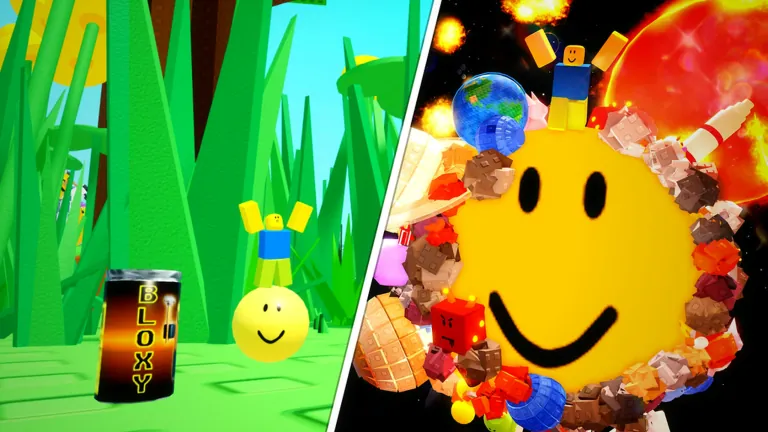
In roll the world, anything smaller than your ball sticks to it. The more you pick up, the bigger you get, and the bigger you are, the bigger the things you can roll up. You start out the size of a bug in the grass, and later you can roll up whole planets.
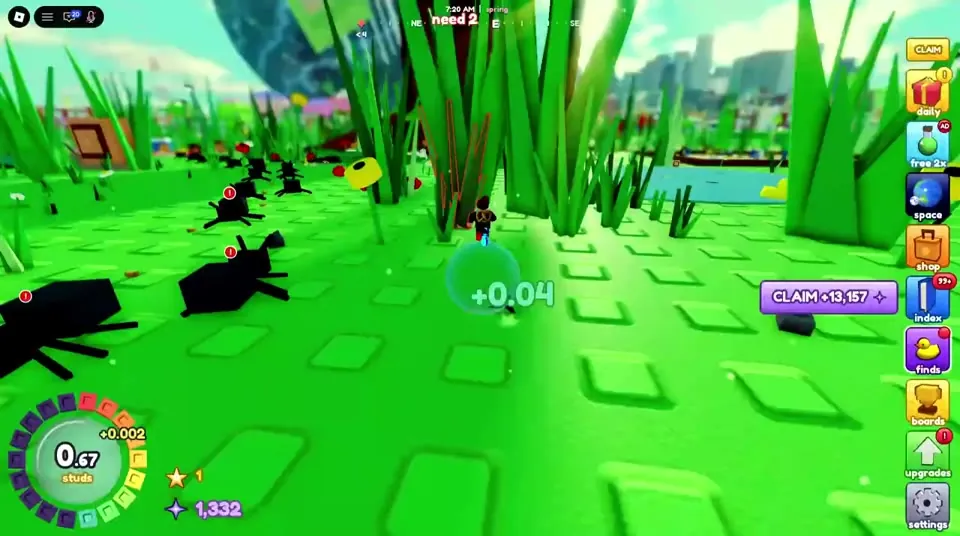
The goal
Your ball's size is measured in studs and shown in the ring at the bottom left of the screen. Below the ring are your stars (★) and your stardust (✦). Grow as big as you can and spend stardust on upgrades. Make stars to start over stronger. Your 6th star, at size 300, lets you leave Earth.
Your first ten minutes
- Roll over small stuff. The first hint on screen says exactly that: "roll over small stuff!". Clovers, pebbles, acorns, bugs and soda cans are all fair game.
- Watch the size ring. In the RobloMine video the ball grows from 0 to 1 stud in the first minute and reaches about 3 studs in the park.
- Leave the grass. Move onto the paths and picnic areas, then out to the streets. Benches, cones, bins and cars come next.
- Claim stardust. A purple CLAIM button on the right fills with stardust as you play. Press it often.
- Buy growth first. Open upgrades (the green arrow) and level growth. The first levels cost only a few hundred stardust.
- Make your first star at 50 studs. A "MAKE A STAR" prompt appears. Making a star resets your size, but you keep your stardust, upgrades, finds and skins, and you grow faster from then on.
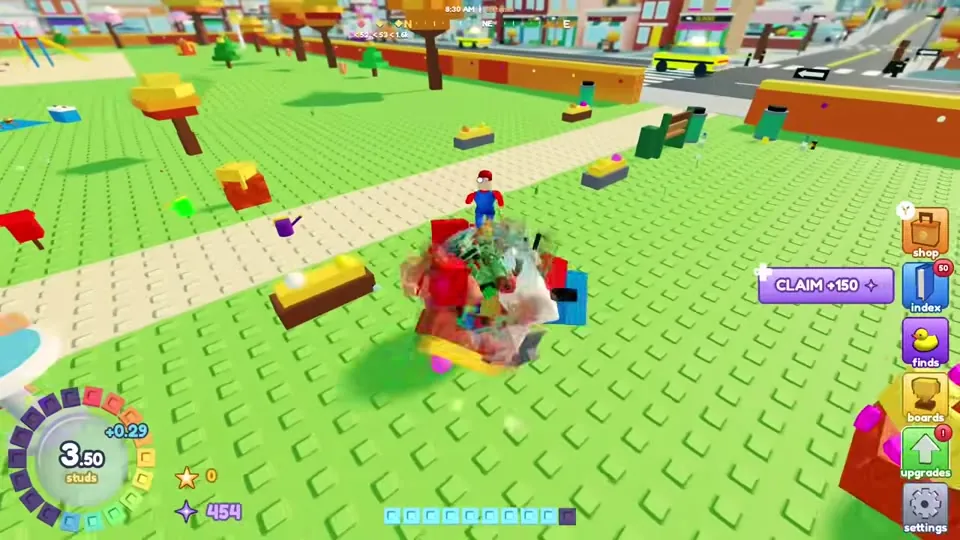
The HUD buttons
| Button | What it does |
|---|---|
| daily | Daily gift. The number on it shows rewards waiting |
| space | Space menu, added in the Oct 23 Space update. It probably opens after you leave Earth to be verified |
| shop | Featured, star spins, skins, trails, passes, boosts, stardust and codes |
| index | The item index of everything you have rolled up |
| finds | Your rare finds, where you can lock, sell or equip them |
| boards | Leaderboards for stars, fastest runs and rarest finds |
| upgrades | Spend stardust on growth, speed, stamina, magnet, luck, equip slot and start size |
| settings | Game options. The game suggests the performance mode here if things get laggy |
Threats
Some things fight back. While you are small, animals and vehicles can knock pieces off your ball. A tip in GameWala's video says "next time, dash INTO it as it attacks to counter it". So time your boost (dash) to hit a threat just as it attacks. Once you are big enough, you can eat the things that used to chase you. The summary screen after each star counts how many threats you ate.
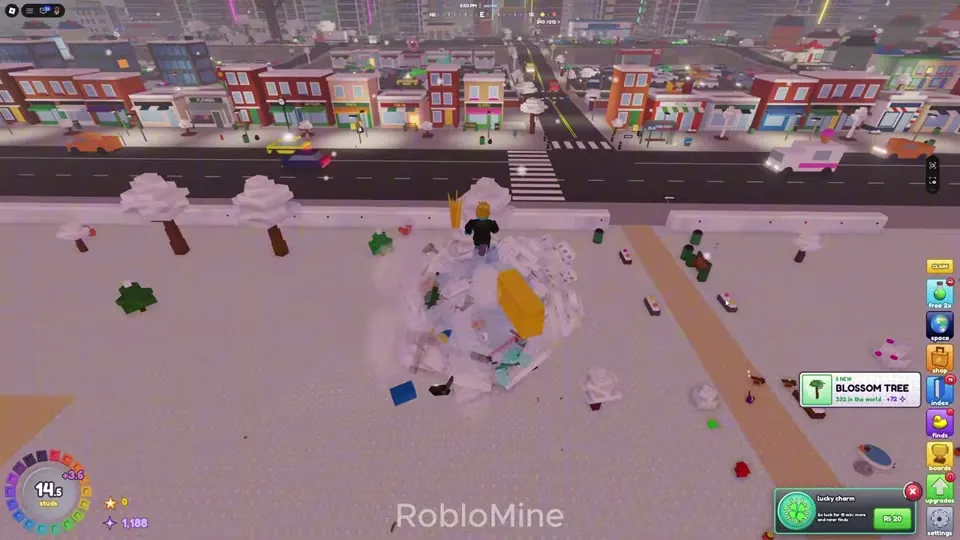
Where to go next
The map is split into zones by size. After the park and the streets come the town, the farmland and the city. Then you reach forests, an airport, snowy woods and finally Mt. Starfall. See sizes and areas for the size each zone needs, and tips to grow faster for the best order.
Free boosts to grab on day one
- Redeem code 1000LIKES for star spins, growth potions and 2x luck.
- Join the overzeer group for +10% growth and the overzeer eye skin.
- Claim the daily gift every day.
- For a cheap push, the Robux "growth burst" (R$9, once a day) doubles your growth for 5 minutes.
Sources: gameplay videos by RobloMine (Oct 24), Mono's Roblox Lounge! (Oct 24), Blue Shark (Oct 25), GameWala (Oct 25) and Guillaume Brien (Oct 26, 2026), plus the official game description. Menus, numbers and prices can change in updates. Anything unconfirmed is labelled to be verified.
Video guide
Frequently asked questions
How do you play roll the world?
Roll your ball over anything smaller than it. Objects stick, you grow, and then you can roll up bigger things. Spend stardust on upgrades, and make stars to restart stronger.
When can I make my first star?
At 50 studs, when the Make a Star prompt appears. The star screen then tells you the next star is at 100 studs.
Does making a star delete my stuff?
No. The confirm screen says you keep your stardust, upgrades, finds and skins. Only your size resets.